Dark mode launched
By Bradley Bernard · · 1 min read
Introducing dark mode
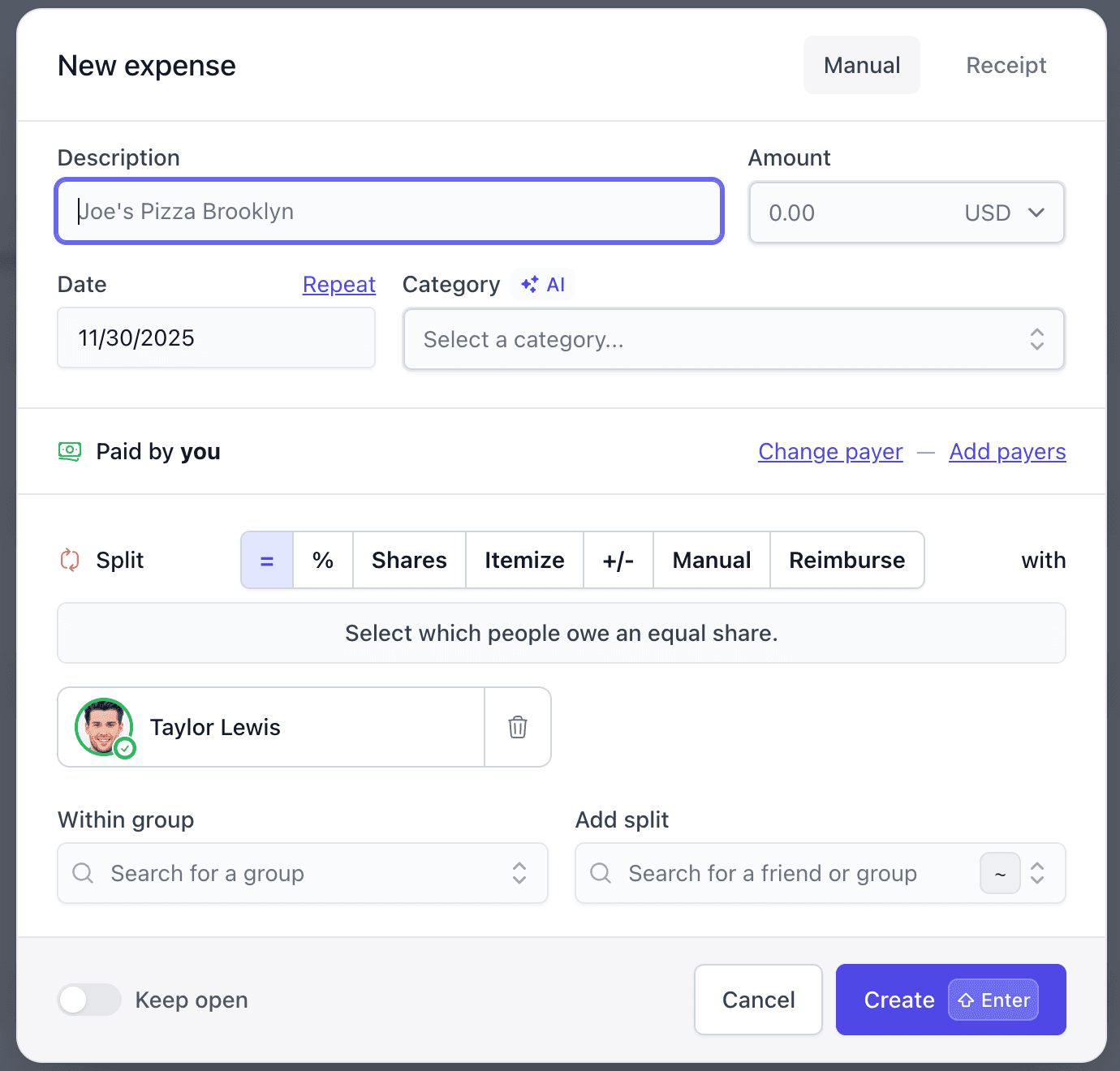
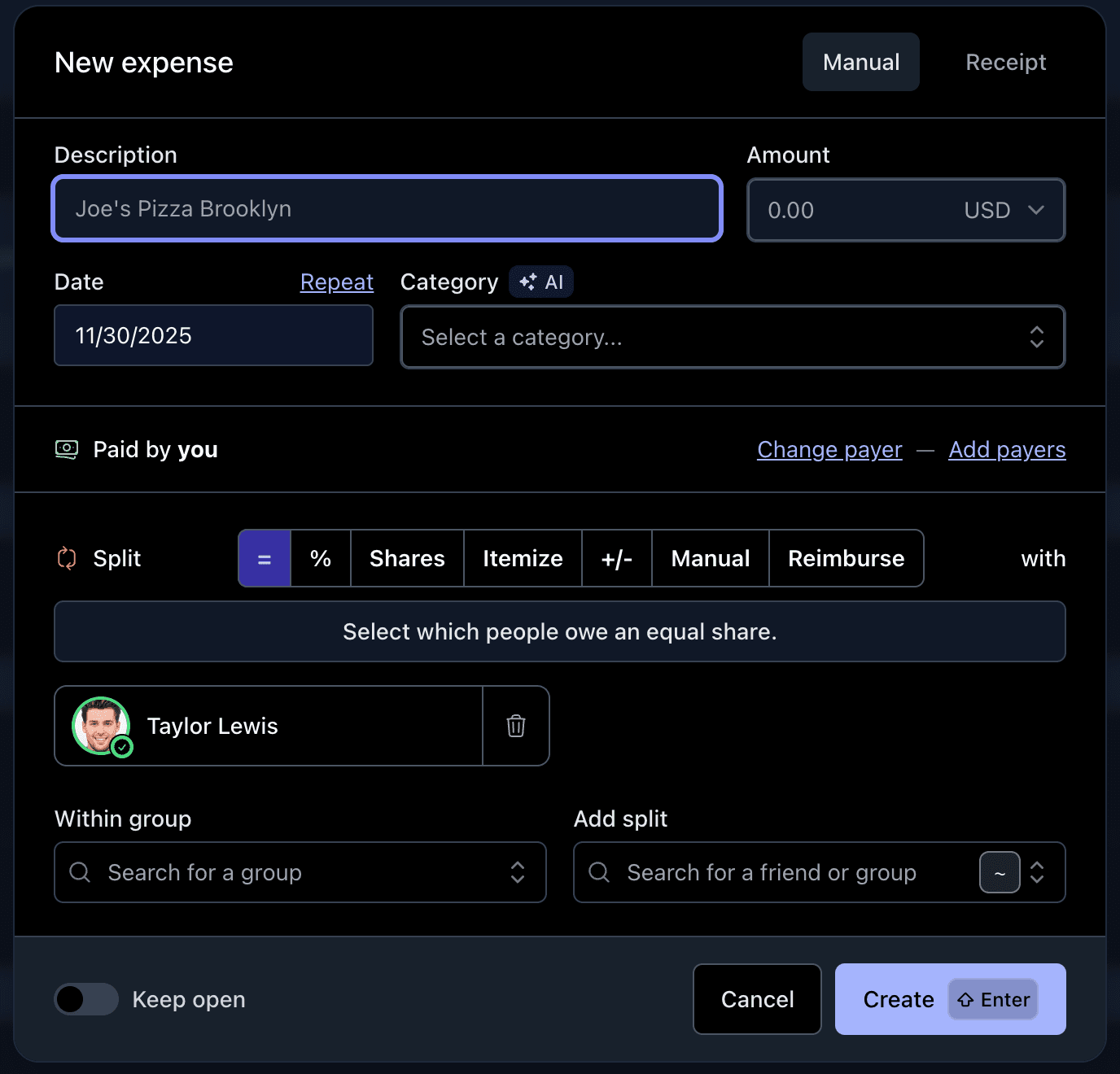
Dark mode is here! This has been one of our most requested features, and it's finally available. You can now switch between light mode and dark mode. By default, we detect your browser preference and apply the matching theme.
Why dark mode matters
Dark mode reduces eye strain when you're checking expenses in low-light conditions, saves battery on OLED screens, and honestly just looks great. If you prefer the classic bright look, light mode is still there for you.
Light mode and dark mode in action
How to switch themes

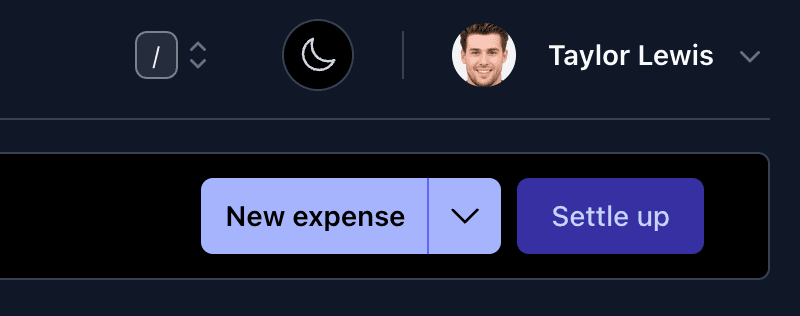
Tap the moon icon (or sun icon if you're already in dark mode) in your navigation bar to toggle between Light and Dark. The change applies instantly.
Questions? Reach out at support@splitmyexpenses.com

By Bradley Bernard
Creator of SplitMyExpenses.com