Currency conversion launched
Introducing currency conversion
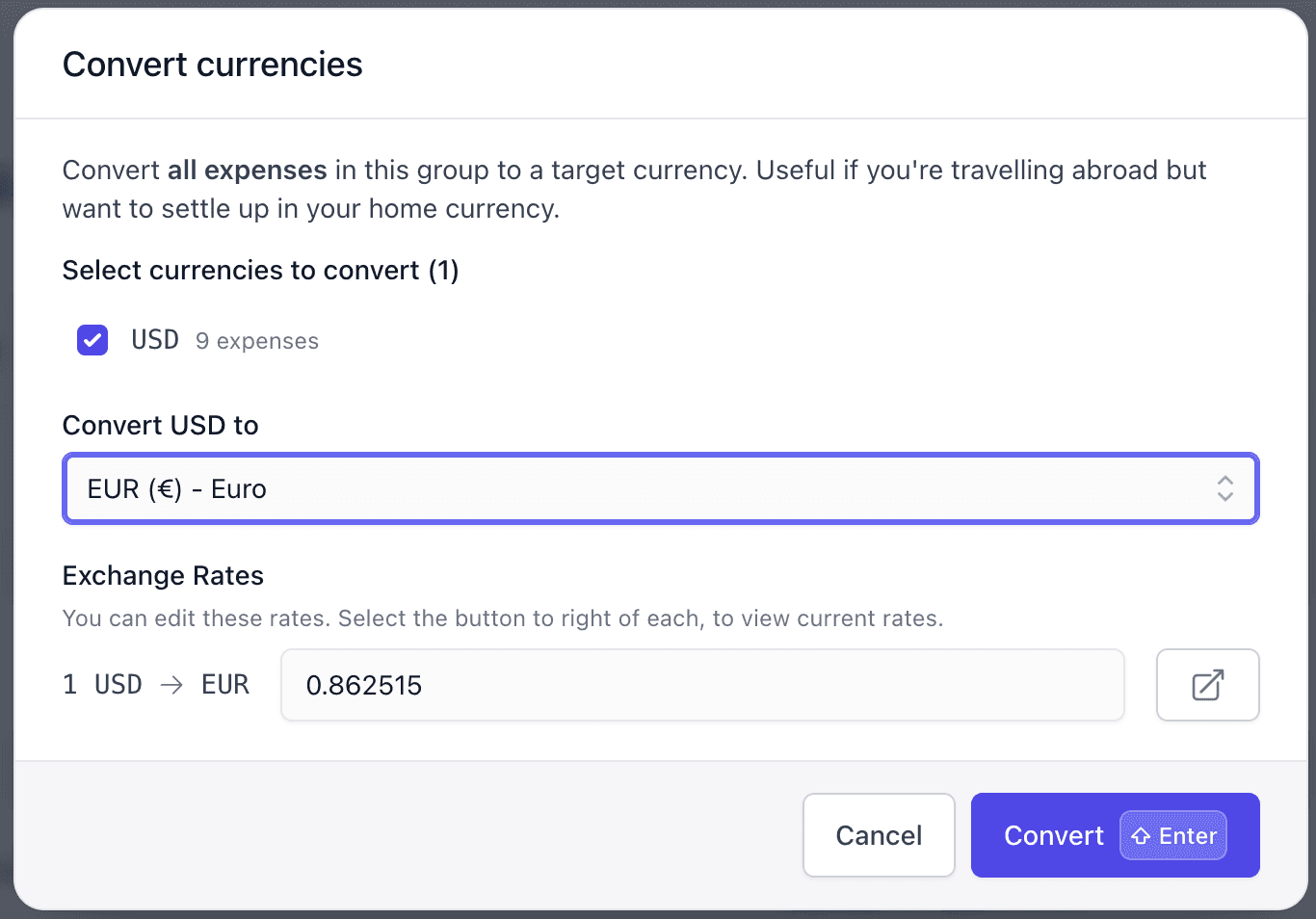
Traveling abroad with friends? You can now convert all expenses in a group to a single currency. This makes settling up easy when you've been splitting costs in multiple currencies throughout your trip.
How it works
Click the "Convert currencies" button under your group member balances.
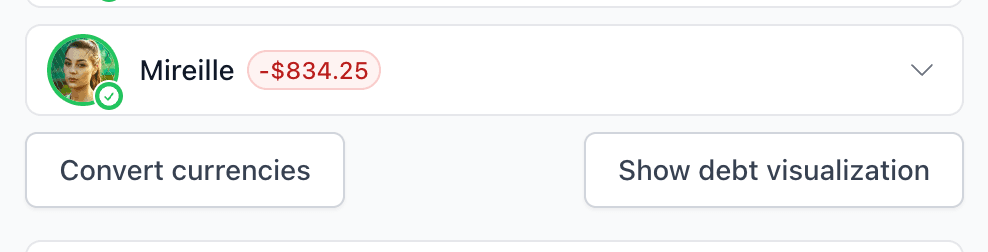
You'll see all the currencies used in your group's expenses. Select which ones to convert, choose your target currency, and we'll handle the rest. Exchange rates are fetched automatically every hour, but you can edit them manually.
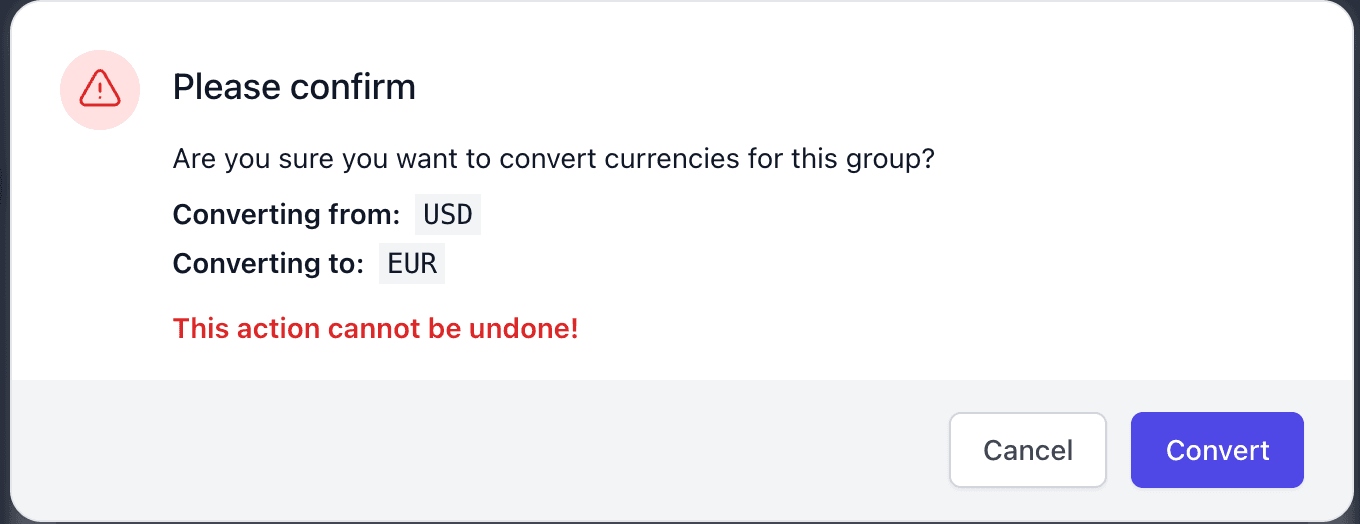
Confirm the conversion and all selected expenses update instantly.
Full activity tracking
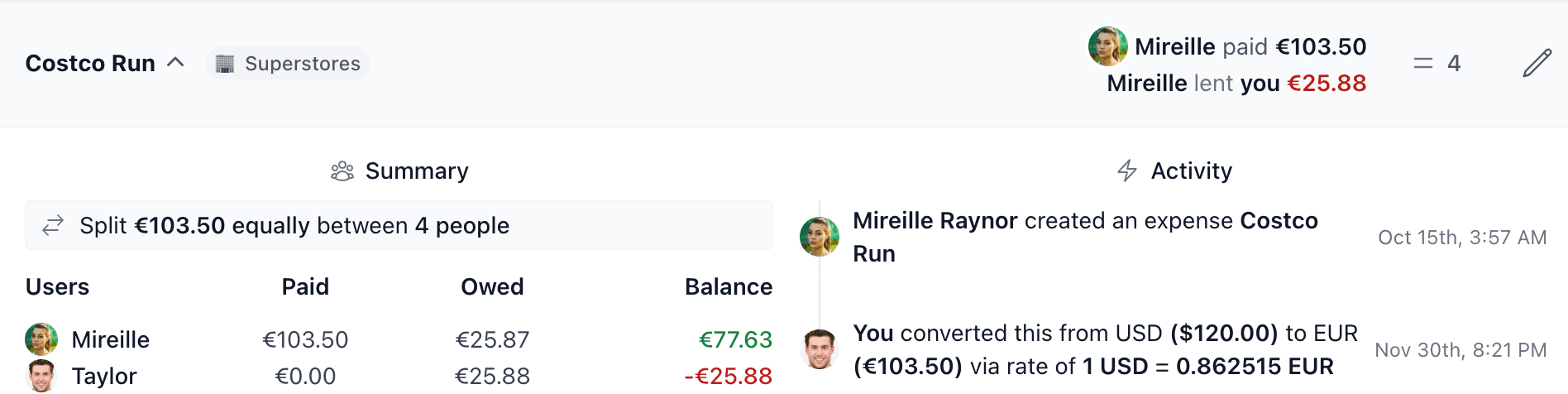
Each converted expense shows the conversion details in its activity feed, including the original amount and the exchange rate used.
Your group's activity log also shows a single entry summarizing the bulk conversion.

How to convert
- Go to your group and find the "Convert currencies" button under member balances
- Select which currencies to convert
- Choose your target currency
- Adjust the exchange rate if needed
- Confirm and you're done
Questions? Reach out at support@splitmyexpenses.com

Creator of SplitMyExpenses.com