Hide old friends without losing your expense history
A shorter friends list, with nothing deleted
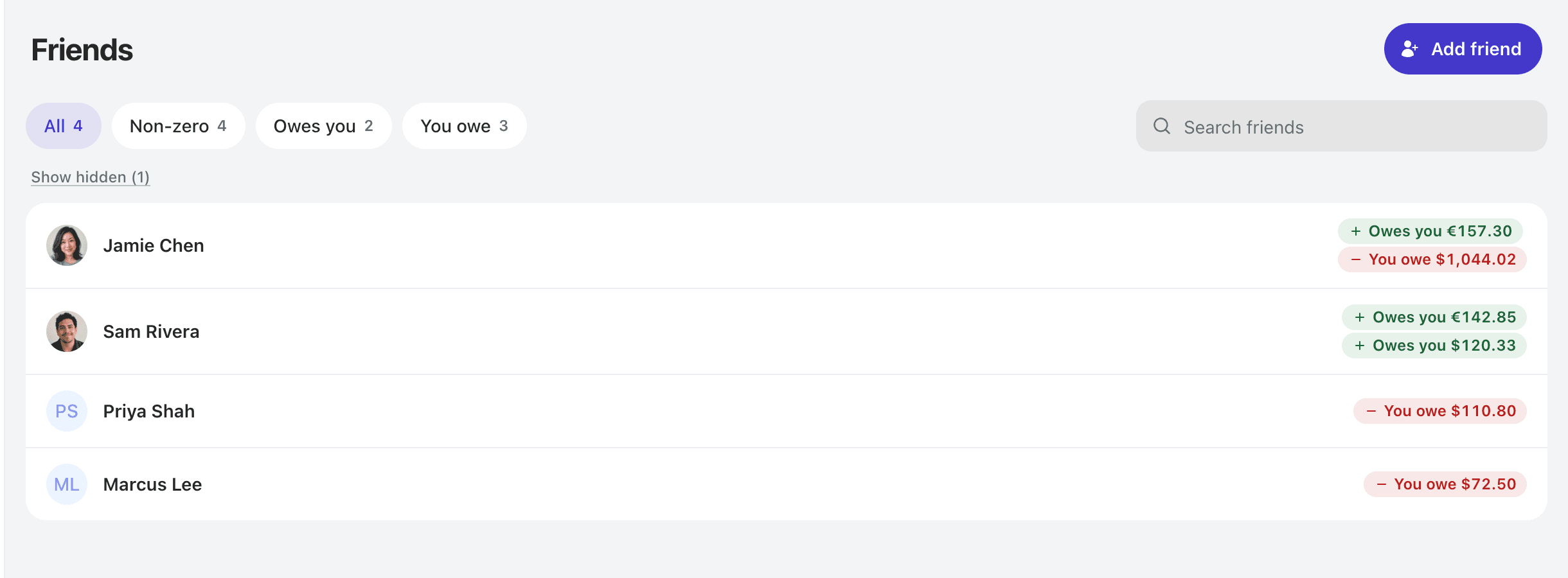
Over a few years, your friends list fills up with a former roommate, a coworker from one trip, and a friend from a wedding weekend. You don't want to delete them and lose the history, but you don't need them at the top of every list either.
You can now hide a friend. Only your list changes. Their balances, your past expenses together, and any groups you share stay available, and you can restore them anytime.
Hide a friend
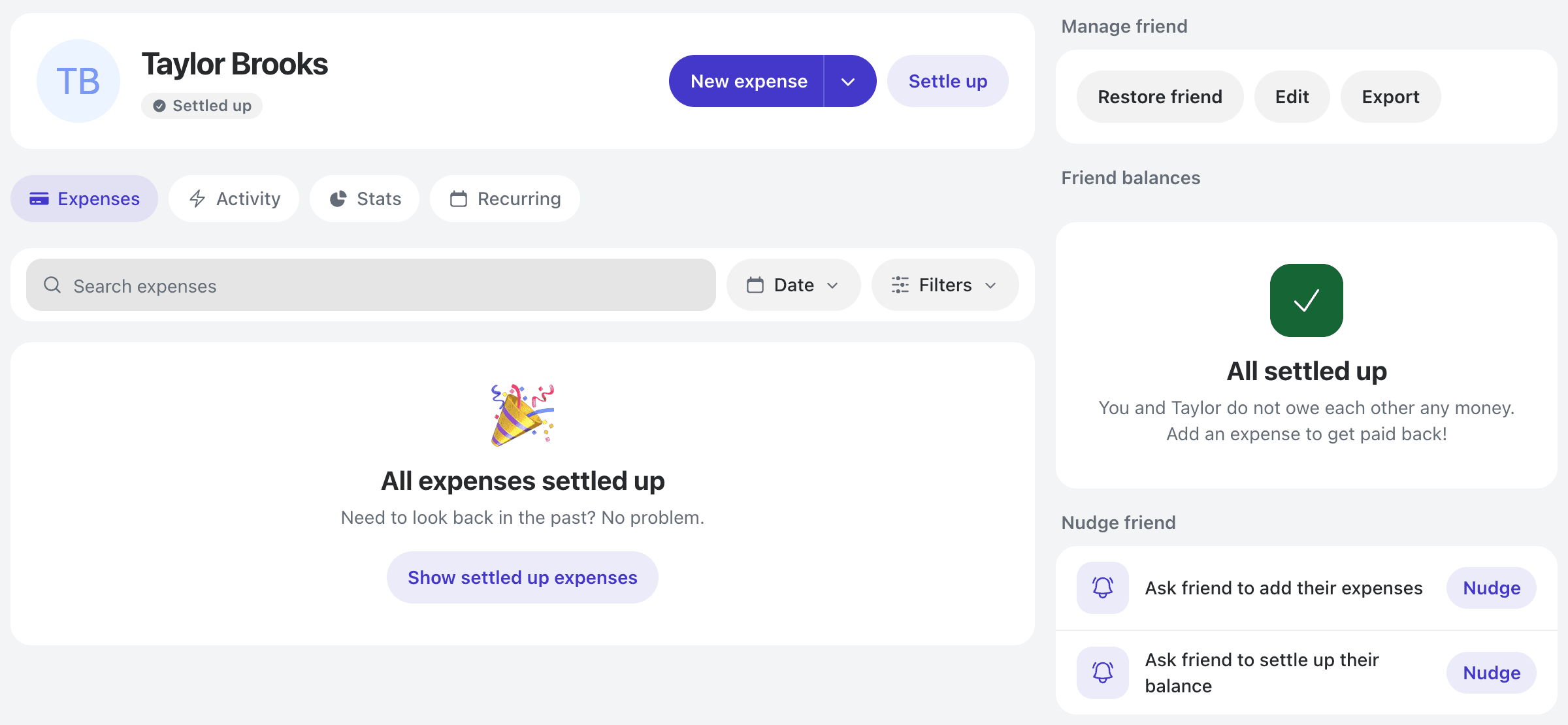
- Open the friend's page.
- Under Manage friend, choose Hide friend.
- Confirm. A toast appears with Undo in case you tapped by mistake.
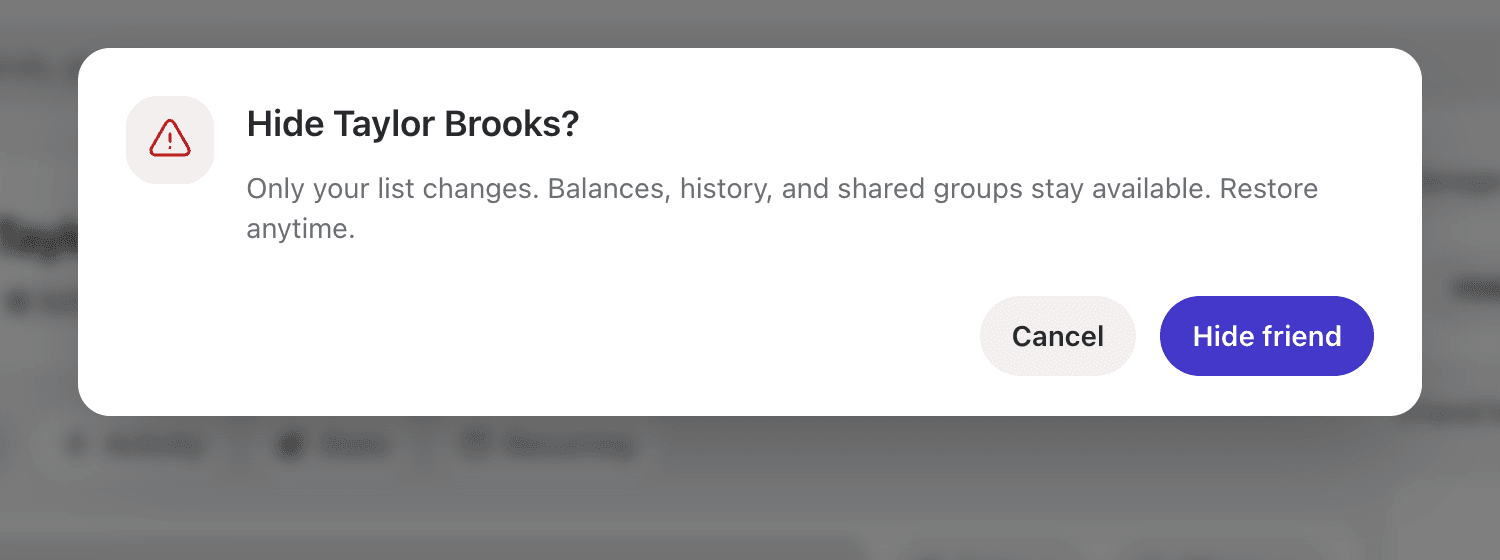
Hidden friends leave your friends list, the sidebar, and the friend pickers, so they stop appearing when you add a new expense.
See or restore hidden friends
A Show hidden link appears above your friends list and in the sidebar, with the number of hidden friends. Open a hidden friend's page to see your history together, and choose Restore friend to bring them back.
Inactive friends tidy themselves
You may not need to hide anyone by hand. Friends you're settled with and haven't had any activity with for 30 days move under Show inactive, so your list leads with the people you split with now. Add a new expense with them and they're back in the main list.
FAQ
Does hiding a friend delete our expenses?
No. Hiding changes only your own list. Expenses, balances, and shared groups are kept, and the friend isn't notified.
Can I hide a friend I still owe money to?
Yes. The balance stays exactly as it is. Hiding is best for friends you're settled with, though, so an open balance doesn't slip out of sight.
Is hiding friends available on mobile?
Yes. You can hide and restore friends on the web, iPhone, and Android.
Settling up before you hide someone? See Venmo, Zelle, Cash App, and Apple Cash compared, or nudge a friend to settle up.
If you have any questions, or you need some help, please reach out to us: support@splitmyexpenses.com.

Creator of SplitMyExpenses.com